|
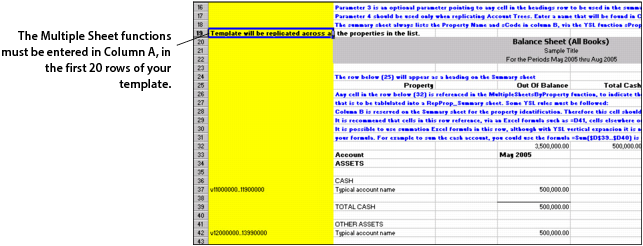
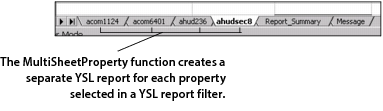
In the following example, we have created a YSL balance sheet report template, YSL_Replicate_Property_Balance_Sheet.xls, where the MultipleSheetsByProperty function is entered in cell A19.
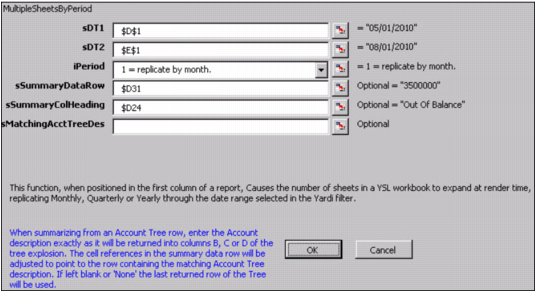
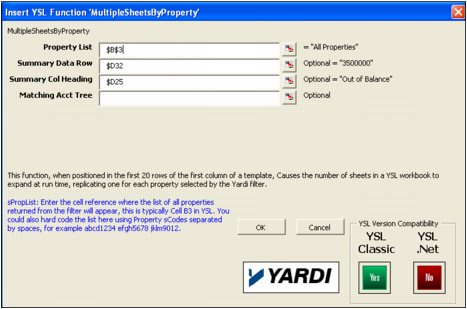
If you want to review the function's parameter settings, right-click cell A19 and select This YSL Function. A screen similar to the following graphic appears.
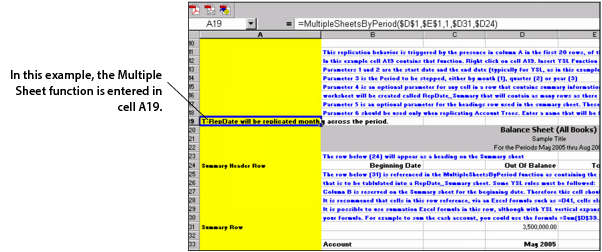
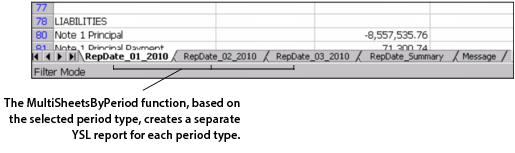
In the following example, we have created a YSL balance sheet report template, YSL_Replicate_Date_Balance_Sheet.xls, where the MultipleSheetsByPeriod function is entered in cell A19: