Attachments : Attachment Procedures : Viewing Attachments

Viewing Attachments
This procedure describes how to view files attached to Voyager records.
To view an attachment
1
2
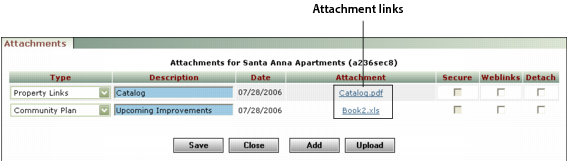
Click Attachment in the Data or Functions menu. The Attachments screen appears.
3
In the Attachment column, click the link for the attachment you want to view. The attachment appears in your browser.