|
l
|
Right-click the report screen and select Print from the shortcut menu. See “Printing from Internet Explorer without a Print button”.
|
|
l
|
Voyager uses the Crystal Reports Viewer to display some reports. These reports are identified by a Powered by Crystal logo above the top-right corner of the report. To print one of these reports, click the print button  . When the Print dialog box appears, follow standard printing procedures for Windows and your printer.
. When the Print dialog box appears, follow standard printing procedures for Windows and your printer.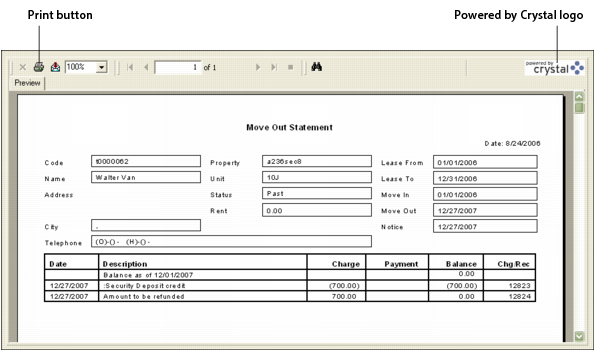
If you are viewing a report in Internet Explorer and no Print button is visible, right-click the report and select Print from the shortcut menu. When the Print dialog box appears, follow standard printing procedures for Windows and your printer.