|
1
|
|
2
|
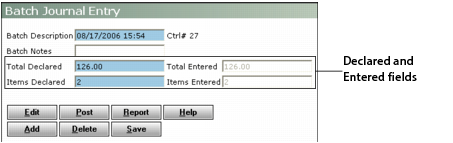
Ensure that the Declared and Entered fields match. If they do not match, you must modify the amounts in the Declared fields or edit the batch.
|
|
a
|
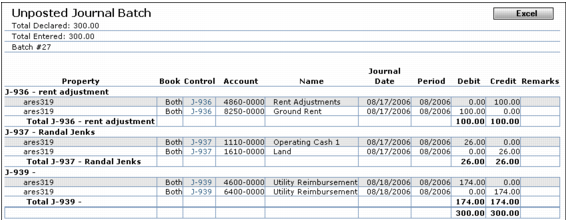
Click Report. The Unposted Journal Batch report appears. The Control # field displays a link to each journal entry in the batch.
|
|
b
|
To print the report, right-click the report screen and select Print from the shortcut menu.
|
|
4
|
Click Post. Voyager asks you to confirm posting.
|
|
5
|
