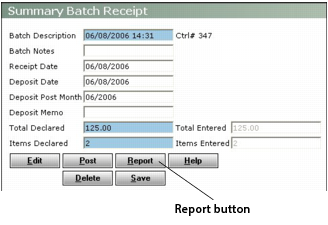
The batch screens for payables, receivables, charges, and journal entries include a Report button. You must generate a batch report before you can post a batch.
|
1
|
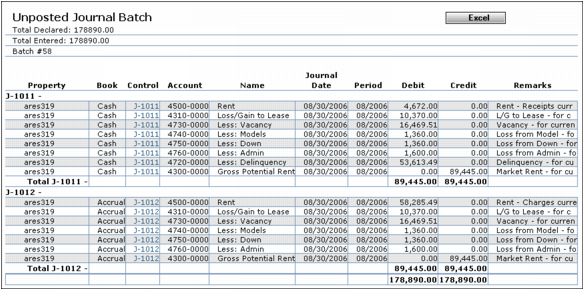
In the appropriate batch screen, click the Report button. The report appears.
|
|
2
|
If you want to send the report to an Excel file, click Excel. You must have Microsoft Excel installed to use this button. Windows displays a File Download dialog box from which you can follow standard Windows procedures for opening or viewing the file.
|
|
3
|
If you want to print the report, right-click the report screen and select Print from the shortcut menu. Follow standard printing procedures for Windows and your printer.
|