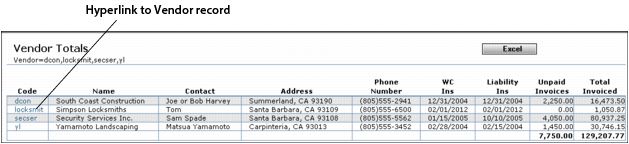
When viewed on screen, many Voyager reports include links to underlying data. When a link appears in a Voyager report, you can click it to view more information. When you are finished reviewing the underlying data, click the Internet Explorer Back button to return to the report screen. For example, clicking the link in the Code column of the Vendor Totals report opens the appropriate Vendor screen.