|
1
|
|
2
|
From the Batch List drop-down list, select the batch to which you are adding a payable.
|
|
3
|
Click Submit. The Batch Payable screen appears.
|
|
4
|
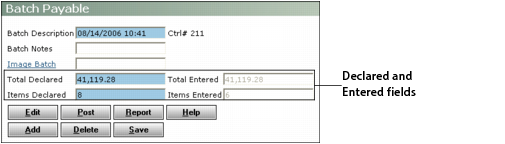
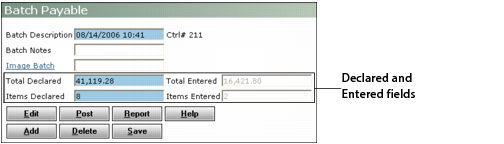
If necessary, adjust figures in the Declared fields to include the payables you are adding.
|
|
5
|
|
6
|
Add the payable and click Save. See “To create a payable batch” for detailed information about adding a payable.
|
Repeat this process for each payable you are adding. Voyager presents a new Payable screen until the total amount of the payables entered matches or exceeds the total declared, or the number of payables entered matches the items declared. Then the Batch Payable screen appears. This screen displays the total amount and number of items declared and entered.